Digital signage for venues with more than one site
Change a price once.Every screen shows it.
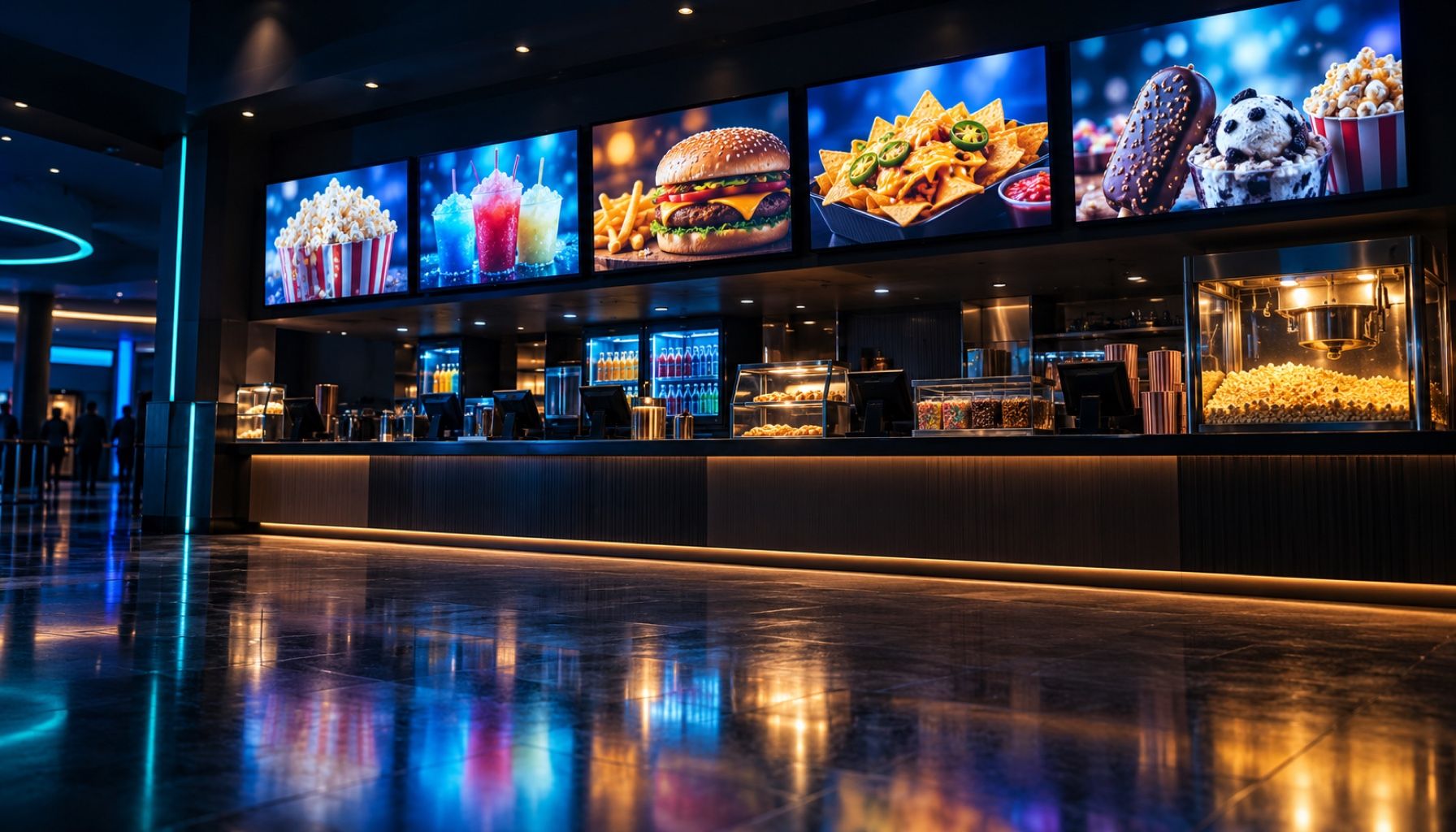
Right On Screen is digital signage software that turns the data you already keep, like POS prices, menus and showtimes, into menu boards that update themselves on every screen in every venue.
- Large popcorn$8.49
- Loaded nachos$9.25
- Frozen slush$6.75
- Date night combo$21.50
- Large popcorn$8.49
- Loaded nachos$9.25
- Frozen slush$6.75
- Date night combo$21.50
- Large popcorn$8.49
- Loaded nachos$9.25
- Frozen slush$6.75
- Date night combo$21.50
The old way
Still emailing JPEGs to forty venues?
A price changes at head office. Someone edits the artwork, exports it, and uploads it venue by venue. One store misses the email, and a guest at the counter is quoted the old price.
| Step | Today | With Right On Screen |
|---|---|---|
| 01 | Designer edits the artwork | The sign reads the new price |
| 02 | Export it and email every venue | Nothing to send |
| 03 | Each store uploads it to its screens | Each screen reloads by itself |
| 04 | Chase the stores that missed it | Every screen shows the same price |
How it works
From your data to a live screen in four steps
- 1
Connect your data
Point us at your POS, ticketing or menu API, upload a JSON file, or install the small store agent that sends each venue's prices.
- 2
Design the board
Lay it out in the editor, or describe it in a sentence and let the wizard draft it. Every price and name is linked to a field in your data.
- 3
Publish
One click puts the sign live. When the data changes, the sign changes with it. Nobody touches it again.
- 4
Plug in a screen
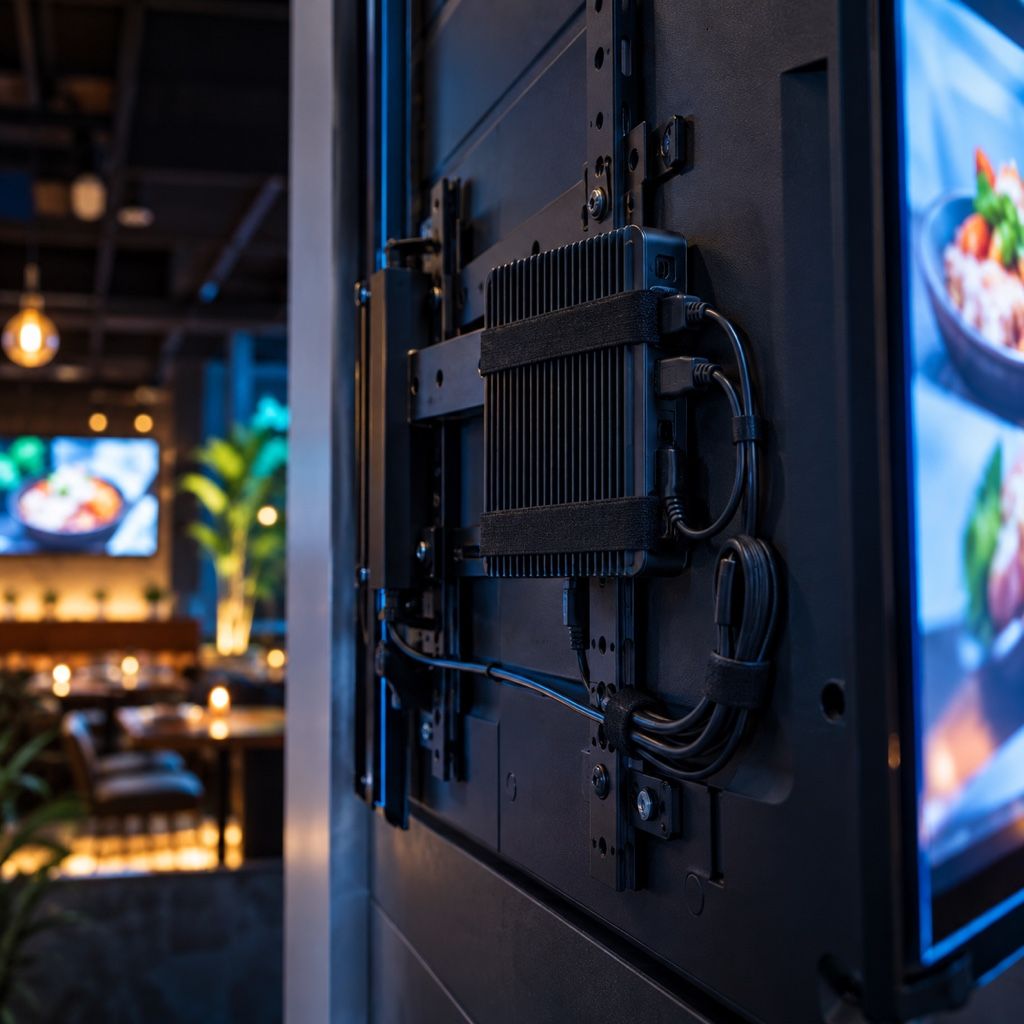
Install the player on a small PC behind the TV. It shows a code; type the code into the dashboard and the screen is yours.
Features
Everything between the spreadsheet and the screen
Data
Works with the systems you already run
Pull from a REST API with its own credentials, accept a webhook, upload a file, or let a store agent upload each venue's own data. Your data stays the single source of truth.
Data tables
One menu. Each store's own prices.
Join your menu to each store's price list, change a price by hand where you need to, and hide what a venue doesn't sell.
Editor
Design once, link every field
Repeaters lay out a row for every item in the list, clocks show each venue's local time, and any Google Font is one click away.
AI wizard
Describe it. Get a working draft.
Type “a snacks board with prices, four columns, dark background”. The wizard builds the template from your real data, and it can only use fields that exist.
Schedules
Breakfast until 11. Late-night after 9.
Playlists rotate signs on a shared clock, so every screen in a row turns over together. Set days, hours and dates, and choose a fade or a cut.
Team
Let managers help without letting them loose
Admins run the account. Editors design. General managers see only the screens at their own venues.
Built for places where the board is the menu
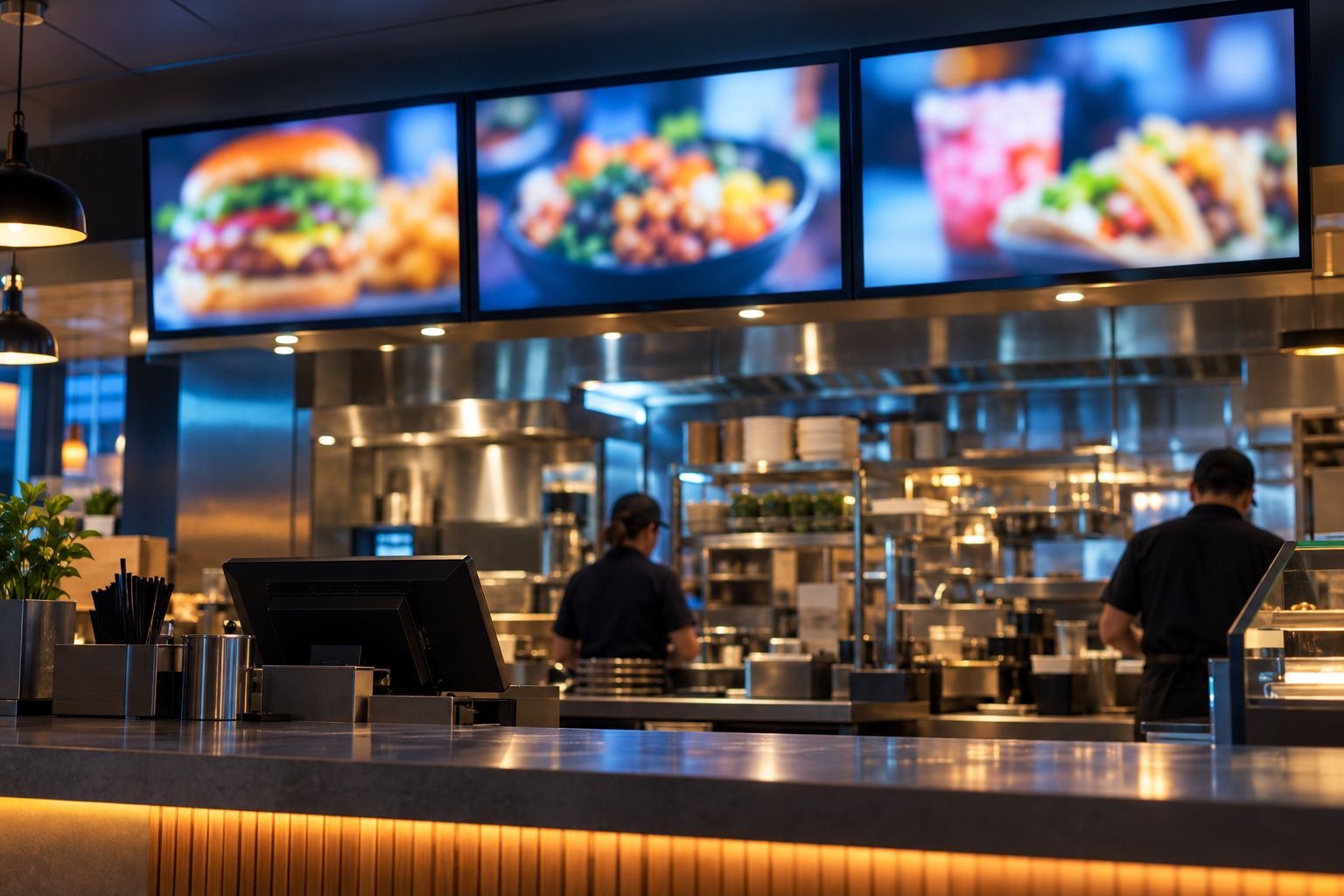
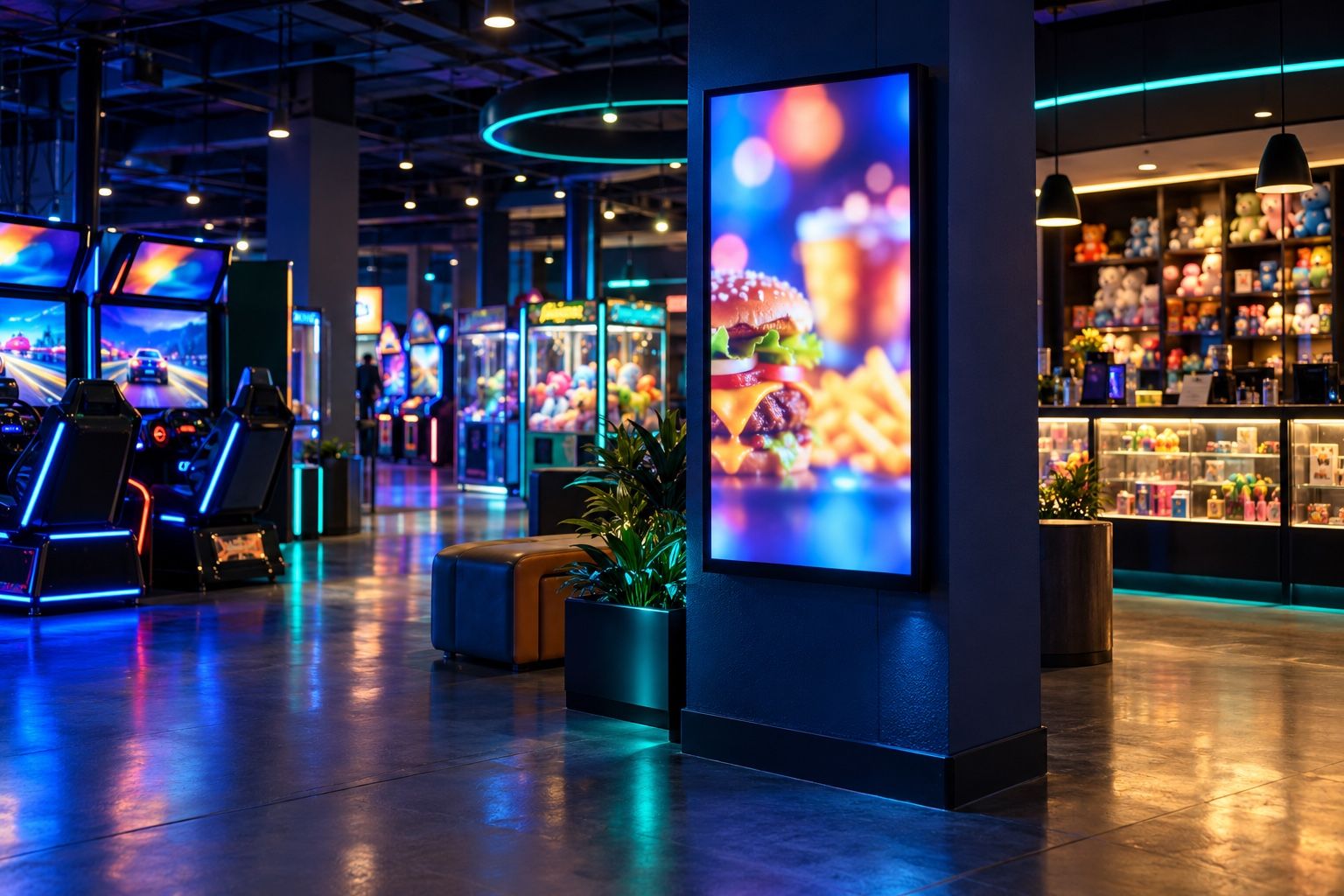
Cinemas, family entertainment centres and restaurants run dozens of screens across dozens of sites, with prices that differ by store. That's the problem Right On Screen was built around.
Screens
A small box behind the TV. That's the whole install.
- Windows, macOS, Linux, Android
- Reuse a PC you already own, or buy a small fanless one.
- Pair with a six-character code
- Nobody types a URL or a serial number into a TV.
- One box, several TVs
- A PC wired to three screens runs three signs, one per screen.
- Keeps playing offline
- Each screen saves its content, so a dropped connection doesn't go dark.
- Updates itself
- Desktop players install new versions on their own.
- Covers for a dead screen
- Pair a standby player and it takes over when a primary goes quiet.
Questions
What people ask first
What hardware do I need?
Any TV with an HDMI input, plus a computer to drive it: a small Windows, Mac or Linux PC, or an Android box. Many venues reuse a PC they already have.
Do we need a developer to connect our POS?
Not usually. If your system has an API or can export a file, we can read it. For point-of-sale systems inside the store, the store agent runs on a store PC and uploads the data for you.
What happens if the internet goes down?
Screens keep showing the last content they received, from a copy saved on the player. They catch up as soon as the connection is back.
Can store managers change things?
Give them the Manager role and tick their venues. They see and manage only the screens and signs at those locations.
How is it priced?
By the number of screens you run. Book a demo and we'll quote for your estate.
How fast do price changes reach the screens?
Usually in under a minute. When the data changes, the sign is rebuilt and each screen is told to reload it.
See your own menu on a screen
In 20 minutes we'll show you a board built from menu data like yours, updating live on a screen.